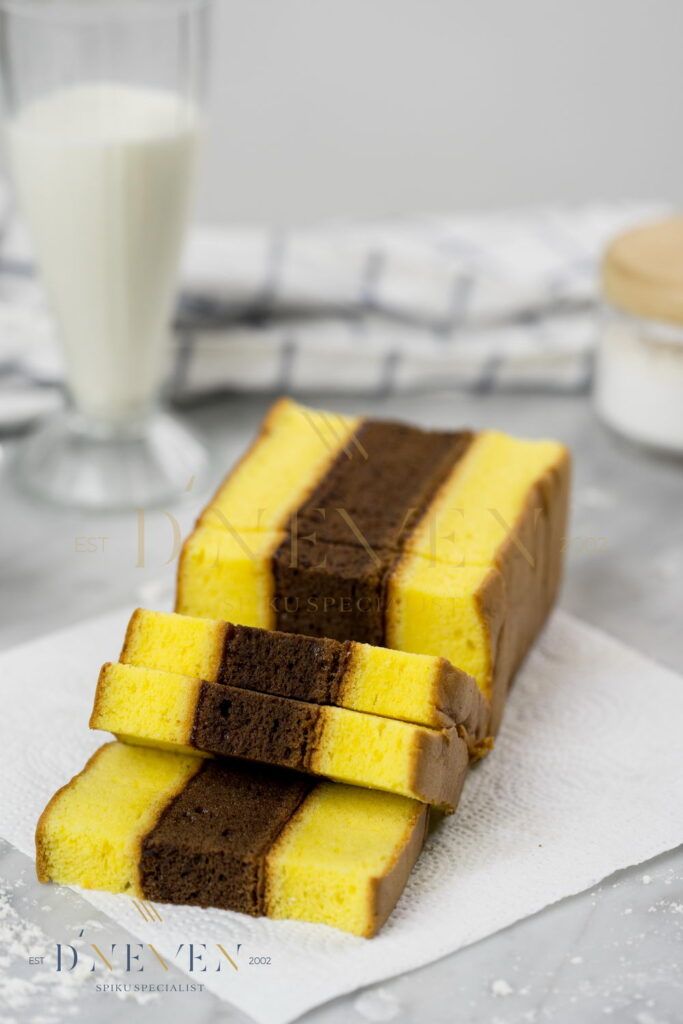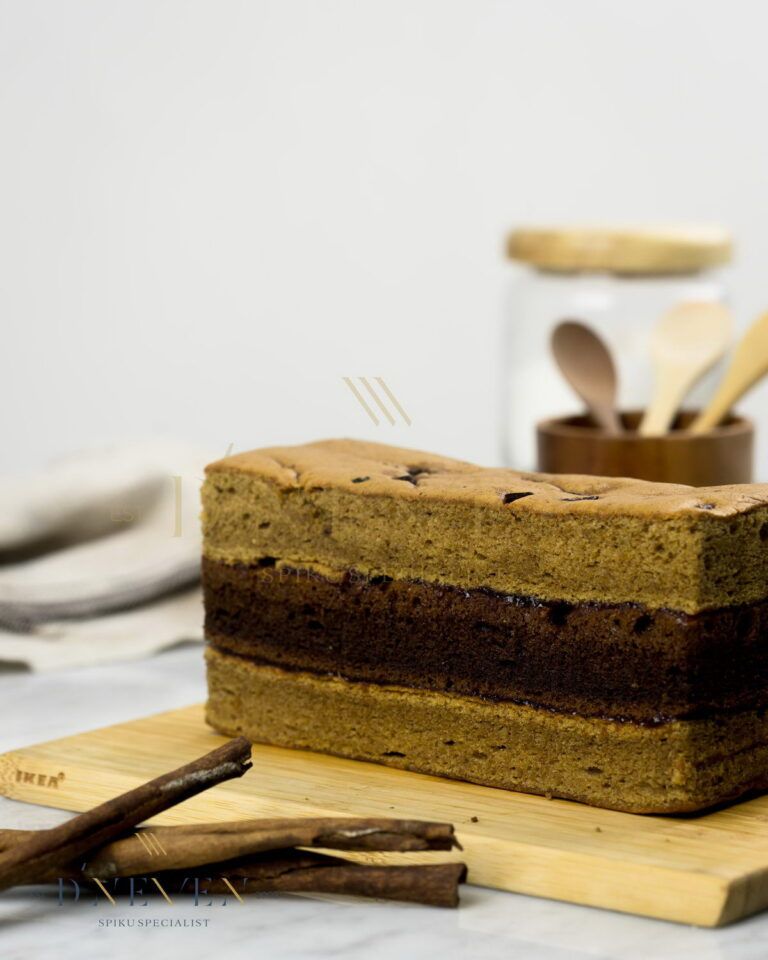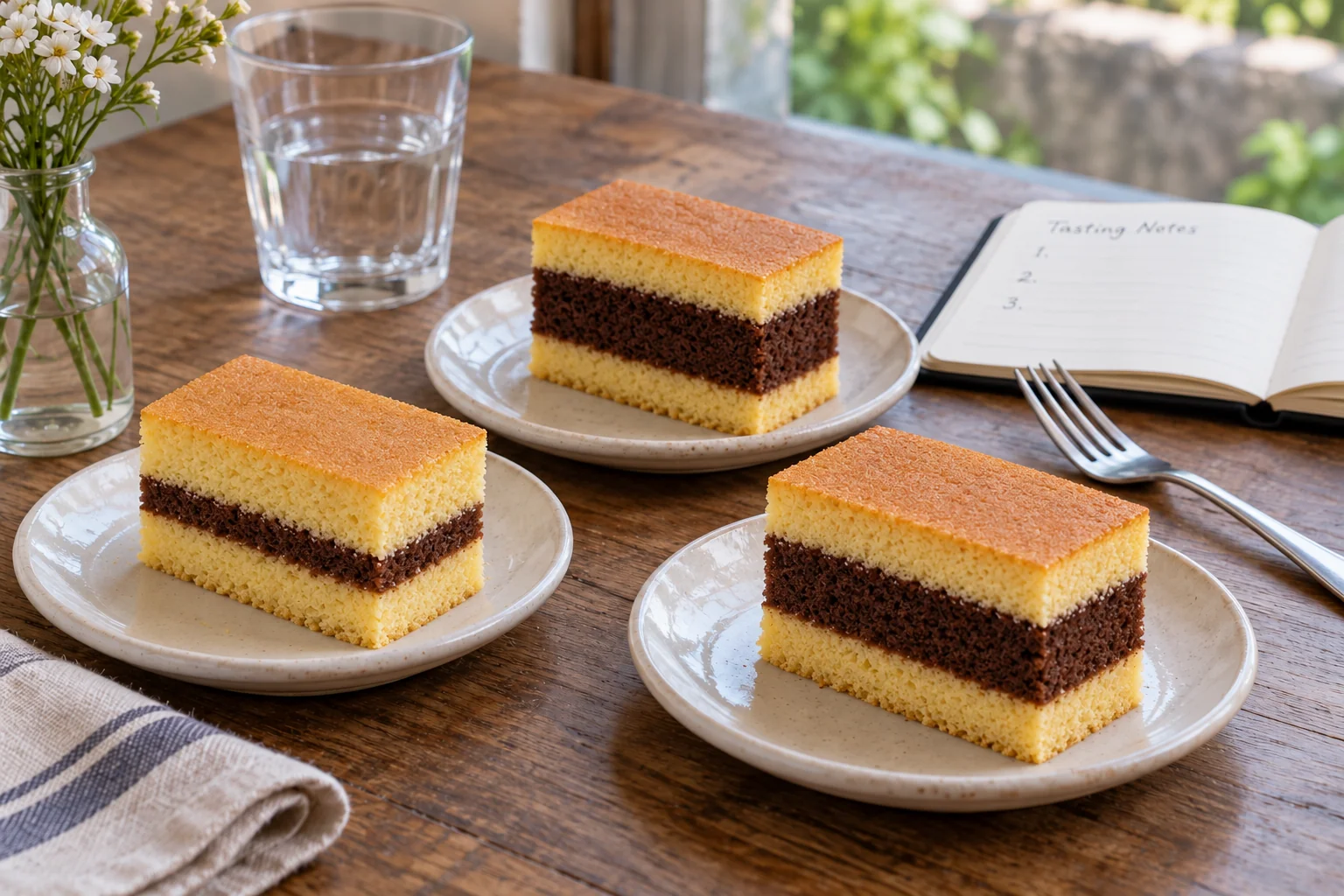
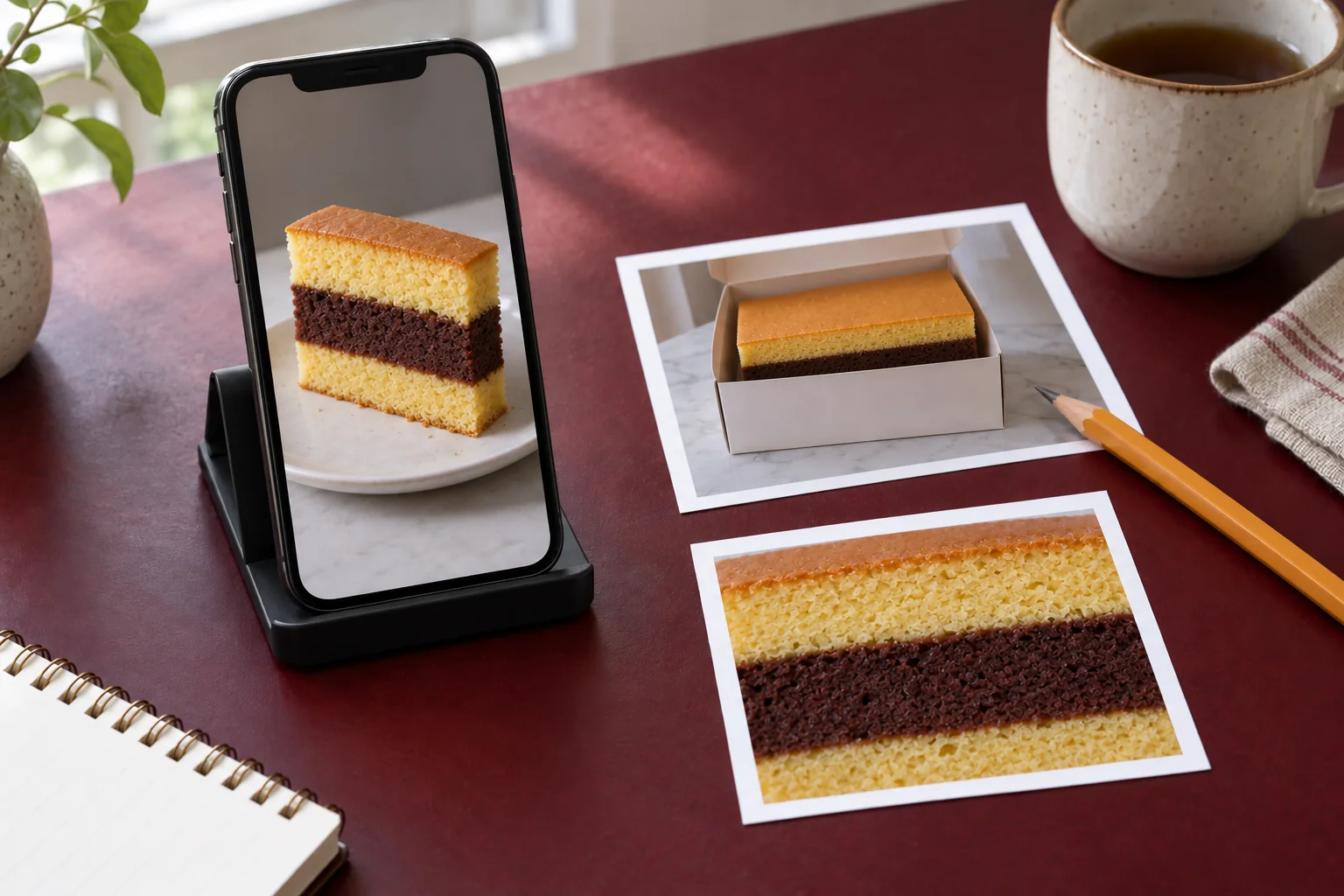
Sending a photograph with a spiku enquiry can make an explanation easier, especially when you cannot remember a variant name. However, one cropped image is not always enough. A picture showing only layer colours may lose packaging, overall context or the original source. Prepare references that help the recipient understand your intention, then write what you want confirmed. The image supports the conversation; it does not establish product identity on its own.
Start with the question before selecting pictures
Decide whether you want to know the product name, available choices or a packaging format relevant to your needs. That question determines which photograph is useful. For product identification, a complete view and visible name are generally more helpful than an event-decoration photograph. For packaging questions, the whole package gives more context than one corner.
Avoid sending many pictures without explaining their relationships. The recipient may assume they all show one choice even though you are comparing several references. Add brief descriptions such as “the first photo is for the product name; the second is for the packaging format”. A clear sequence reduces guesswork and makes the reply easier to match to your question.
Prefer references with a traceable source
If a photograph comes from Dneven’s official website, retain the page link and the name shown there. If it comes from another post or conversation, record its origin and when you received it. An older photograph may still explain your intention, but it cannot confirm current availability. Ask for information that applies to your intended branch.
Do not remove all context when cropping a screenshot. You can tidy unrelated areas while retaining product names or explanations needed for the enquiry. If the source is uncertain, say that you want to match a reference rather than asserting that it definitely shows the same product. Identifying the source also helps the recipient check the original information.
Let the full view and detail serve different purposes
A full view shows the complete product or packaging. A detail helps explain the part you want to discuss, such as cake layers or a package closure. Use both only when each contributes something different. Two nearly identical photographs with slightly different angles do not automatically add useful information.
For photographs you take yourself, use sufficient light and avoid blur. Do not change colours so strongly that the product becomes difficult to recognise. Place the product or package on a clean surface and follow suitable handling instructions. There is no need to open or alter packaging merely to obtain another picture when that action is unnecessary for your question.
Remove information that does not need to be shared
Conversation screenshots can contain names, telephone numbers, recipient addresses or payment details. Remove or cover those details before sending a product reference to another party. Inspect the whole image, including small areas at the top and bottom of the screen. Previously used packaging may also carry an address label unrelated to your enquiry.
A particular order may eventually require additional information through an appropriate channel. That is different from sending an example for product identification. Begin with relevant details and provide further information when needed to the appropriate recipient. A clean reference keeps the discussion focused on the product without circulating unnecessary personal data.
Add a description that can be answered
A short message can include three things: the source of the reference, your requirement and the question to be answered. For example: “I found this photo on the following page. Could you confirm the choice’s name and whether it is available at my intended branch?” If you have a planned use date, state it clearly so the discussion goes beyond identifying the image.
Do not ask the recipient to infer quantities from the number of people visible in an event photograph. Write that requirement separately. For gifts, the spiku gift-selection guide helps organise the recipient and occasion context. A photograph is one part of making that requirement understandable.
If you have not selected a branch, explain that in the initial enquiry. An answer about product identity may still be useful, while availability needs another check once the location is chosen. Do not assume one reference answer applies to every branch and every planned use date.
Match the reply to the reference
After receiving an answer, repeat the confirmed product name and choice before proceeding. If the recipient explains that the reference differs from the available product, use the updated information for your decision. Avoid continuing with a guessed name in later messages, which can recreate the same confusion.
Keep a sufficient confirmation summary: the name, relevant branch, conversation date and any unanswered question. For collection or handover, consult the handover-location guide and use the contact channel in Dneven’s official information. A useful reference photograph does not need to be the most visually striking. It needs to make your question clear and allow the answer to be matched accurately.